
- After logging into letstruck.com you will be brought to your FuelGauges overview page.
- If you have multiple trucks, you will need to select "My Trucks" first and select the truck that you want to add the photo.
- Click on the upload photo box shown below and select an image from a file on your computer.
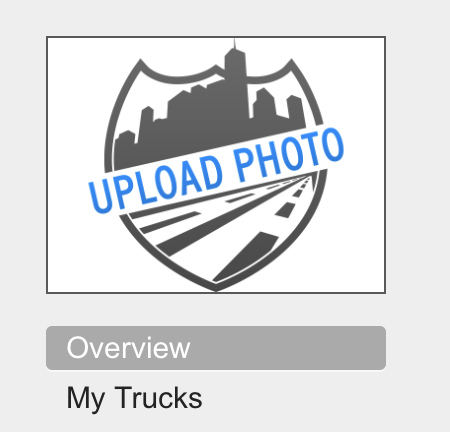
- Our system will upload the image and display it. - If you have multiple trucks, you'll need to repeat this process per each truck that you want to add an image to.
Congratulations, you've successfully added an image for your truck!
Comments
Please sign in to leave a comment.